A tiny Mac app

Dictation for when you cannot speak up.

Hold a shortcut, whisper, and the text is typed where your cursor is. It runs on your Mac: the audio is never uploaded.

Free and open source · Apple silicon · macOS 14 or later. The app is not notarized by Apple. The first time, right-click it in Applications, choose Open, then confirm.
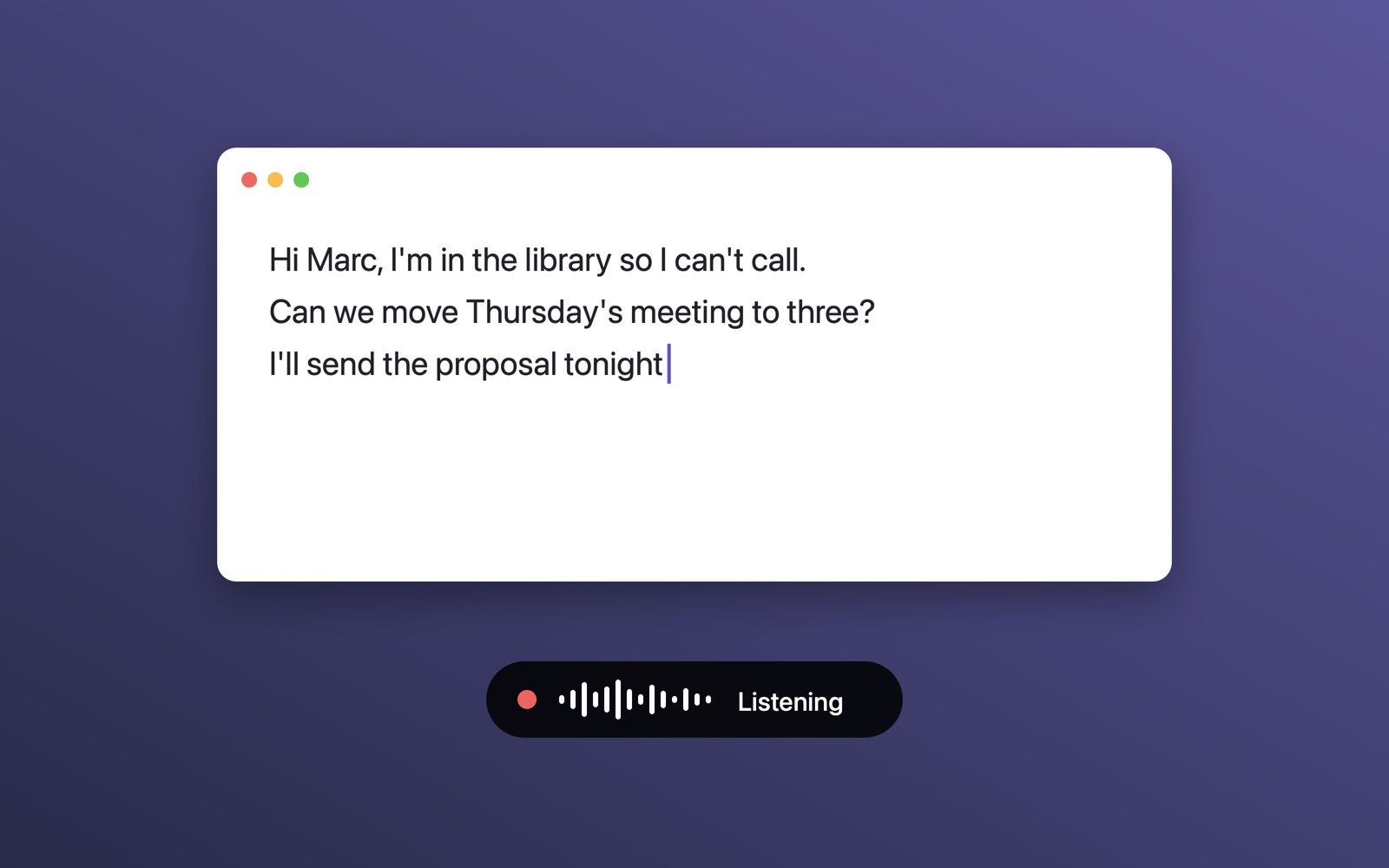
A text window being typed while a small pill shows that Chut is listening

What it does

Built for whispers

Chut raises the level of a quiet recording before transcribing it, so a whisper is enough.

Types anywhere

The text appears in the app you are using, at the cursor, without touching your clipboard.

Fast

A few seconds of speech take about one second to transcribe on Apple silicon.

Your languages

French, English, Spanish, German, Italian, Portuguese, or automatic detection.

Local

Transcription is done by Whisper, on your Mac. No account, no API key, no audio leaving the machine.

Your shortcut

⌥ Space by default. Hold while speaking, or press once to start and once to stop.

How it works

Hold ⌥ Space

A small pill shows that Chut is listening.

Whisper

Or speak normally. Both work.

Release

The text is typed where your cursor is.

Private by design

Chut needs the microphone, and the Accessibility permission to type into other apps. Without Accessibility it copies the text to the clipboard instead. The speech model (626 MB, or 216 MB for the fast one) is downloaded once, then everything runs offline.