
Put a timer on a note. When the time is up, it disintegrates on your screen and is gone for good.
Free and open source · macOS 13 or later. The app is not notarized by Apple. The first time, right-click it in Applications, choose Open, then confirm.
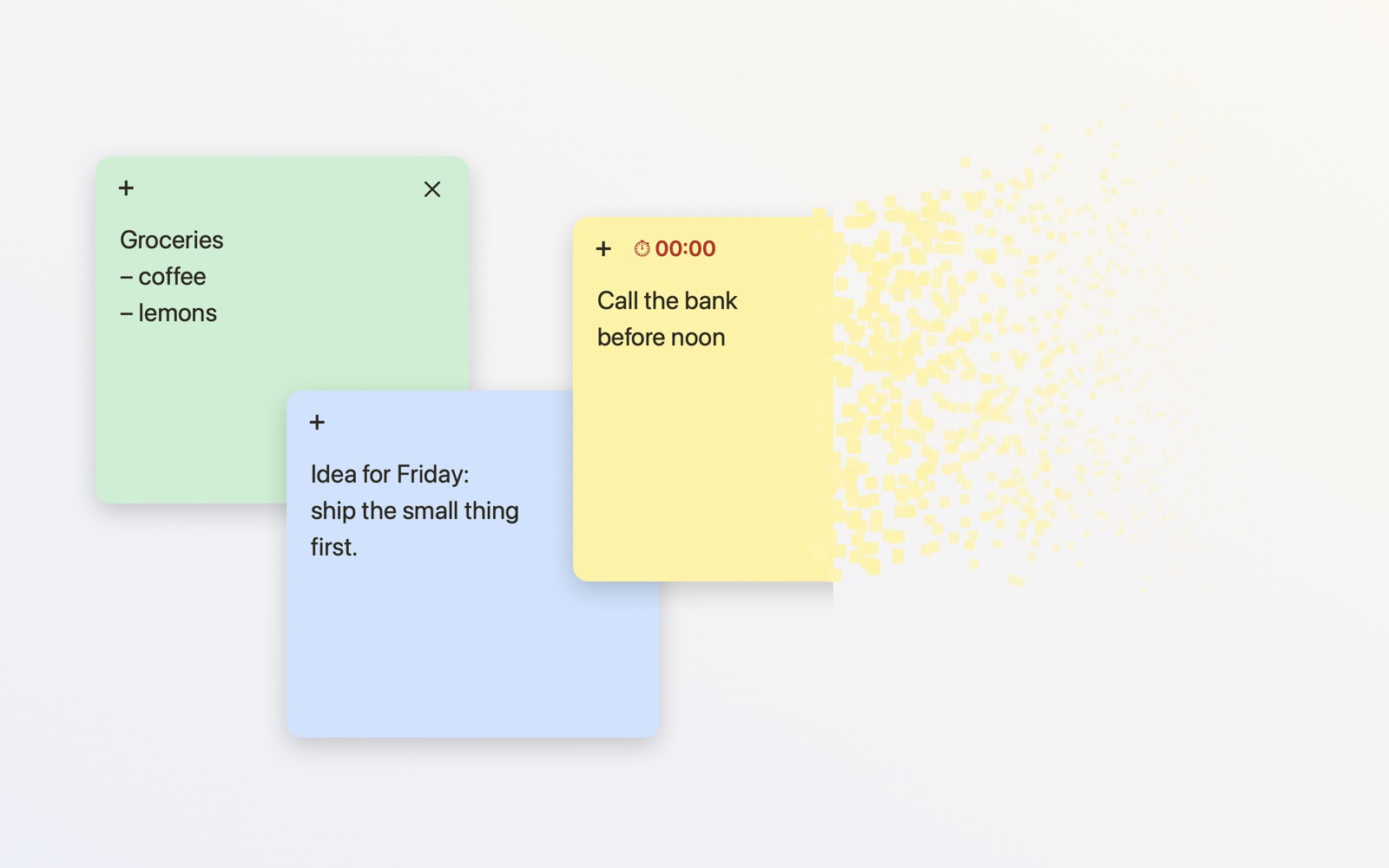
Write, drag, resize. Five colours. They stay above your other windows if you want them to.
10 seconds, a few minutes, an hour, or any duration. The countdown sits on the note.
At zero the note breaks into dust and is deleted. Nothing to clean up later.
A note without a timer waits until you throw it away yourself.
A menu bar icon adds a note from any app.
Notes are saved in a local file. No account, no sync, no network.
Press + and type what you need to remember for now.
Click ⏱ and choose how long the note should live.
When the time is up, the note turns to dust.