A tiny Mac app

A plant that grows when you focus.

Pousse lives in your menu bar. Finish a focus session and it grows. Skip your sessions and it wilts.

Free and open source · macOS 13 or later. The app is not notarized by Apple. The first time, right-click it in Applications, choose Open, then confirm.
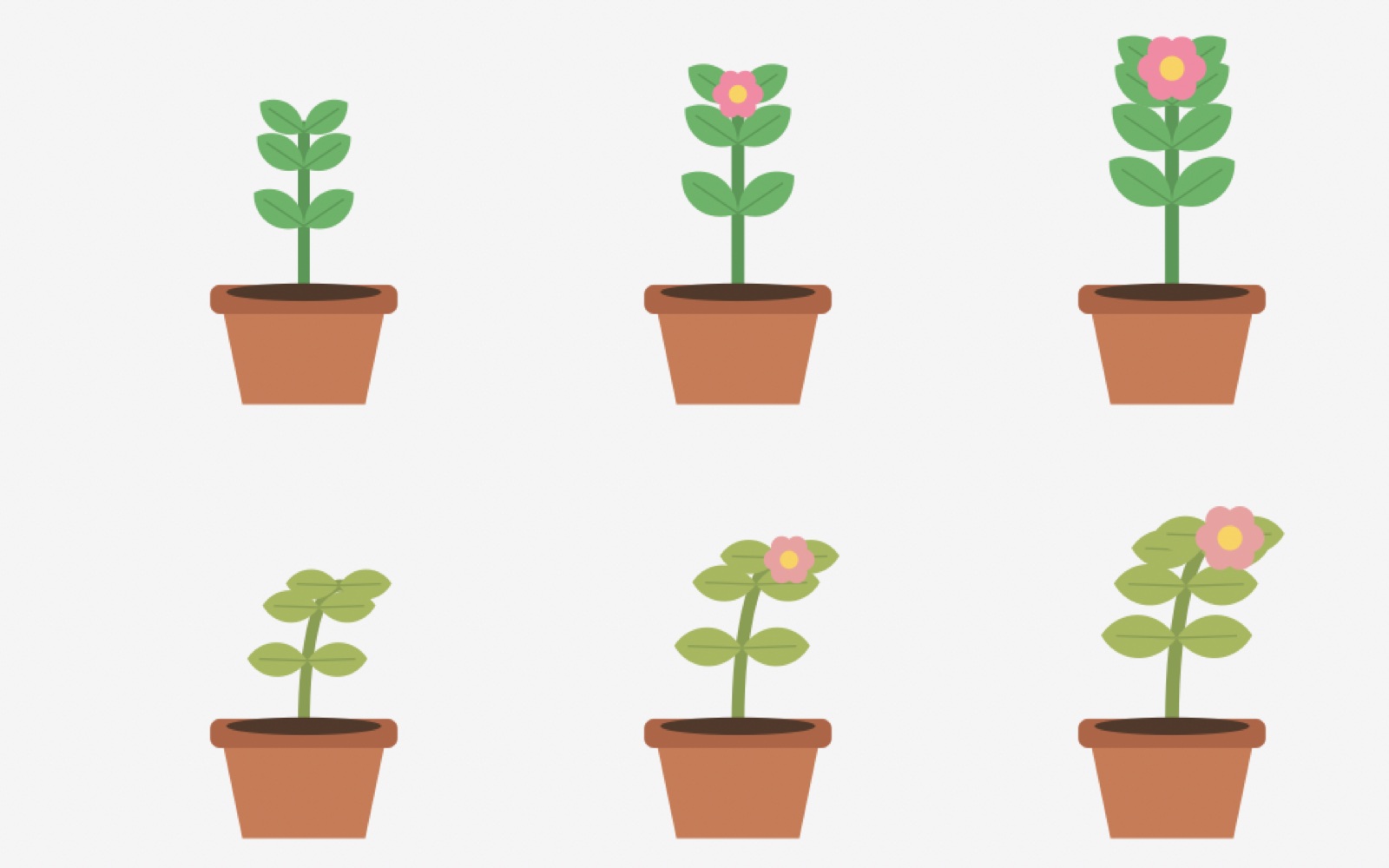
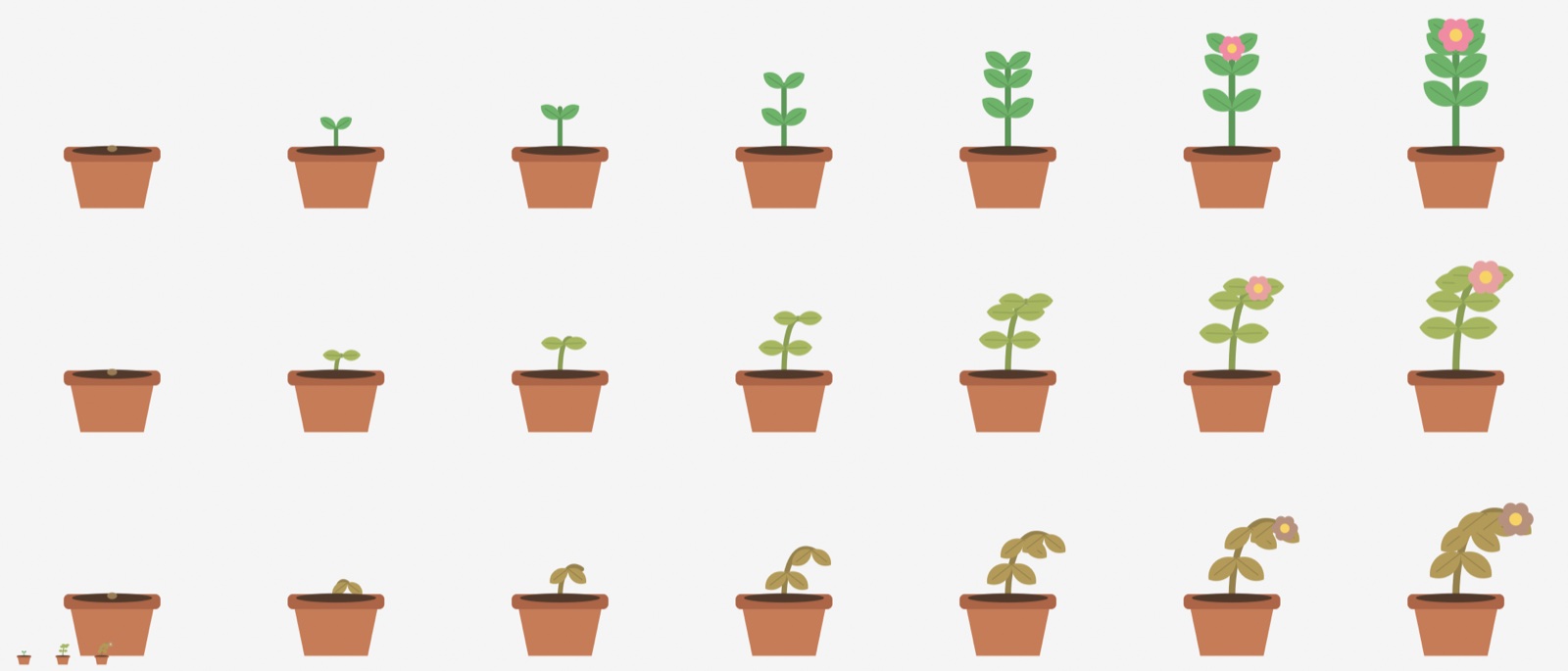
The plant at its growth stages, fresh and thirsty

What it does

Focus sessions

15, 25, 45 or 60 minutes, started from the menu bar. The countdown sits next to the plant.

It grows with you

From a seed to full bloom in 21 sessions, through seven stages.

It tells you the truth

Skip a working day and it gets thirsty. Skip three and it wilts. One session brings it back.

Weekends off

Saturdays and Sundays do not count, unless you want them to.

On your desk, if you like

A small window shows the plant swaying gently. Hide it to keep only the menu bar.

Nothing leaves your Mac

Pousse stores a session count and the days you worked. That is all.

How it works

Start a session

Click the plant in the menu bar and start the timer.

Do the work

The countdown stays in view. Abandoning costs nothing.

Watch it grow

Each finished session is one step toward the flower.

Seven stages, three moods

Seven stages, three moods