It sleeps at the bottom of your screen, wakes up when you type, and sits on your window when it is time for a break. Pair it with a friend, and your two cats work side by side.
Free and open source · macOS 13 or later. The app is not notarized by Apple. The first time, right-click it in Applications, choose Open, then confirm.
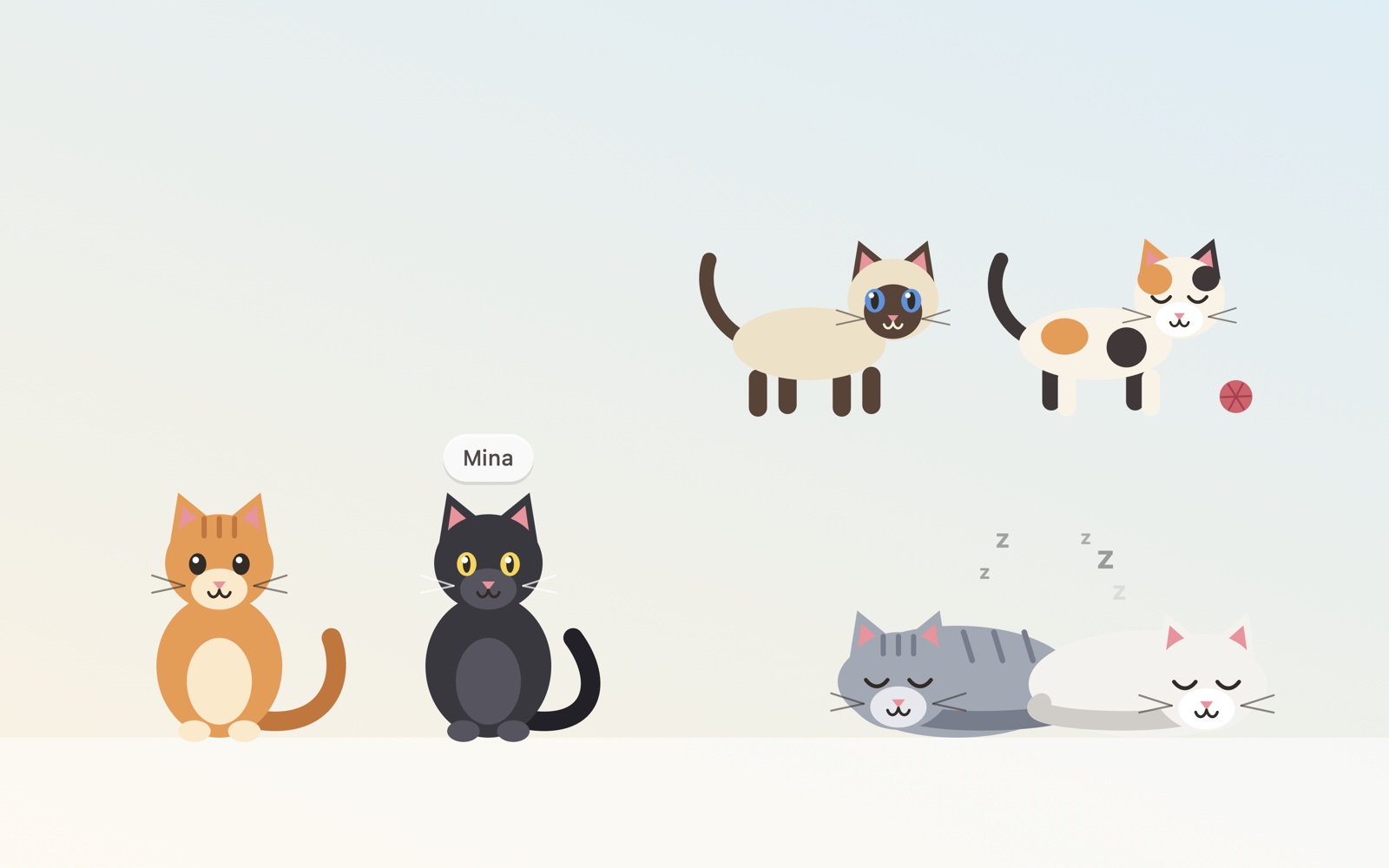
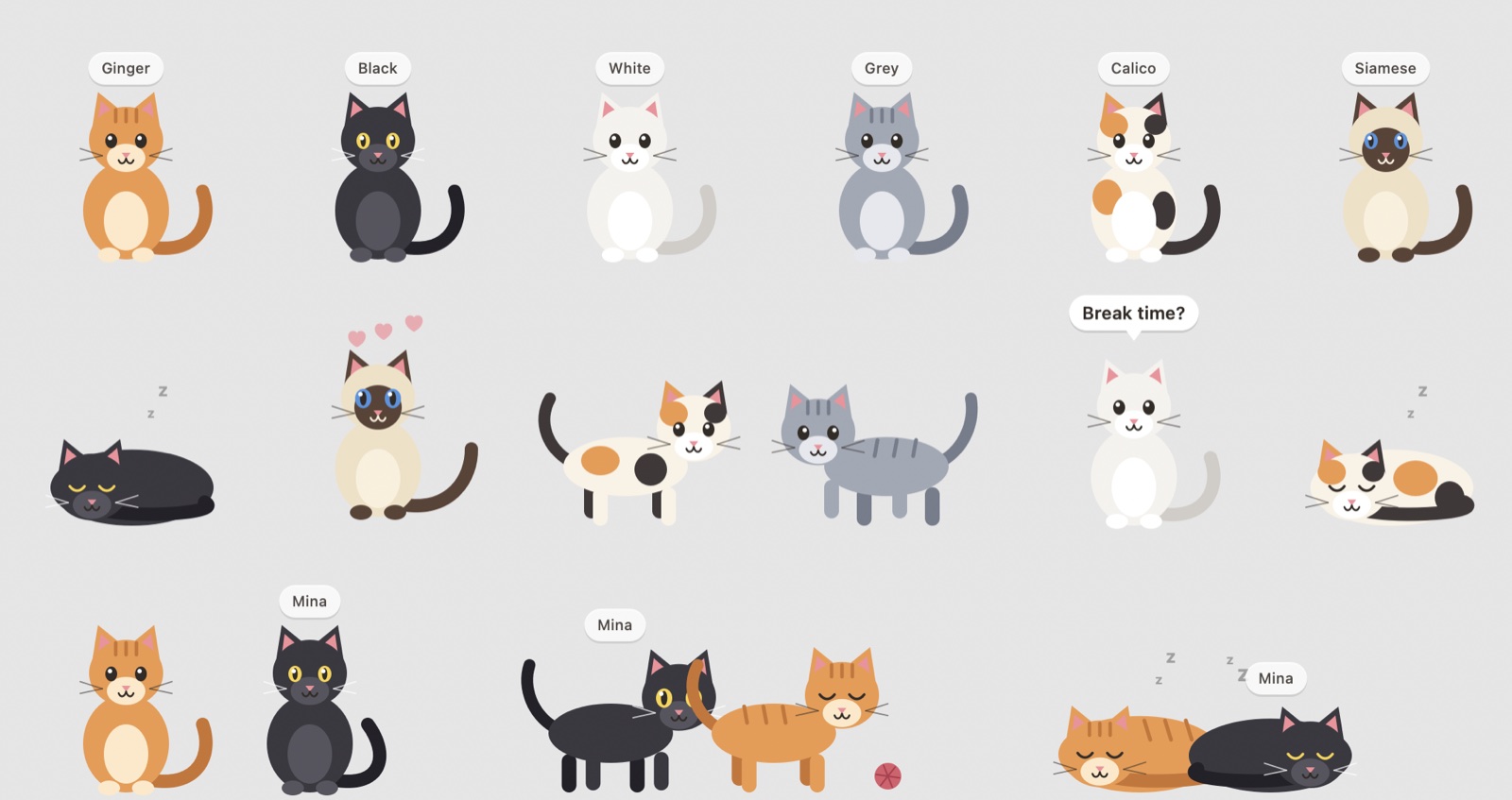
Asleep when you are away, awake when you type, excited when you type fast.
After 45 minutes of work it walks to your window, sits on it and waits. Pet it to send it home.
Ginger, black, white, grey, calico or siamese. Give it a name.
Share a code once. From then on, your friend's cat walks onto your screen whenever they are at their Mac.
Side by side when you both work. Chasing a ball of yarn when you both type flat out. Curled up together when you both stop.
Click your friend's cat: hearts appear on their screen.
The cat settles in a corner of your screen. Drag it wherever you like.
Menu → Friend → Invite a Friend. Send them the eight-character code.
Their cat arrives when they do, and leaves when they leave.

Ronron asks for no permission and never sees what you type: it reads a count of key presses, not the keys. With a friend, your cat sends one of four words (away, resting, working, typing flat out), its name and its coat. These messages are encrypted on your Mac with a key derived from your code before they pass through a public relay.